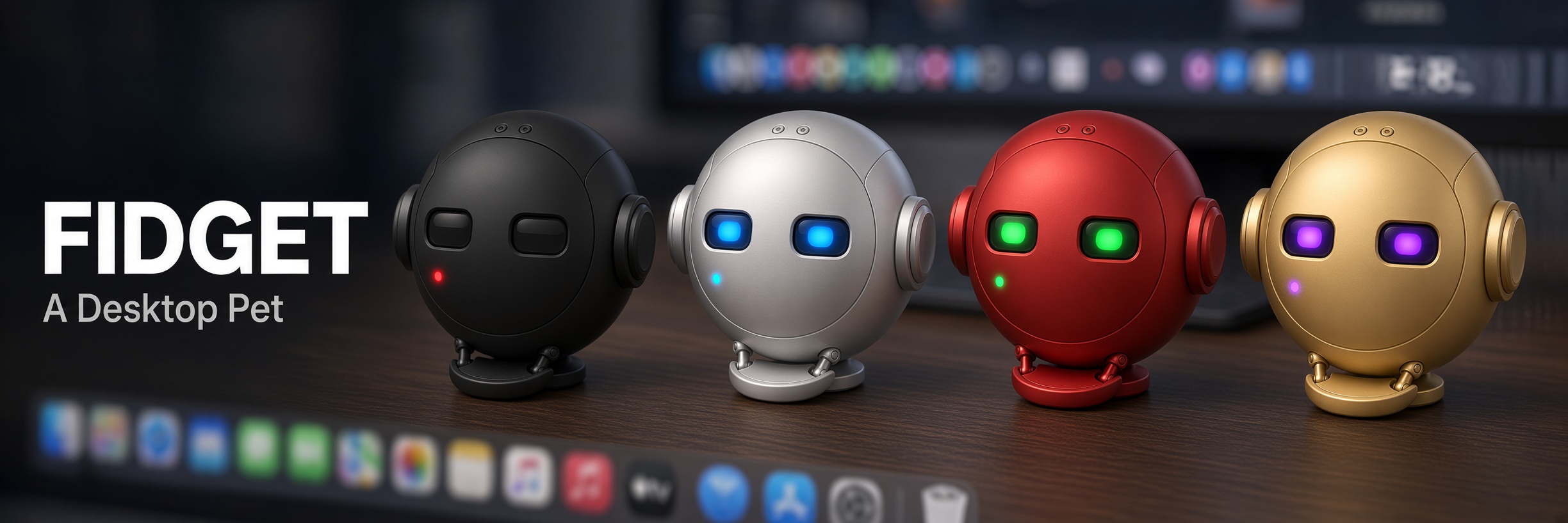
Fidget: A desktop pet with a personality
A downloadable desktop pet for Windows, macOS, and Linux
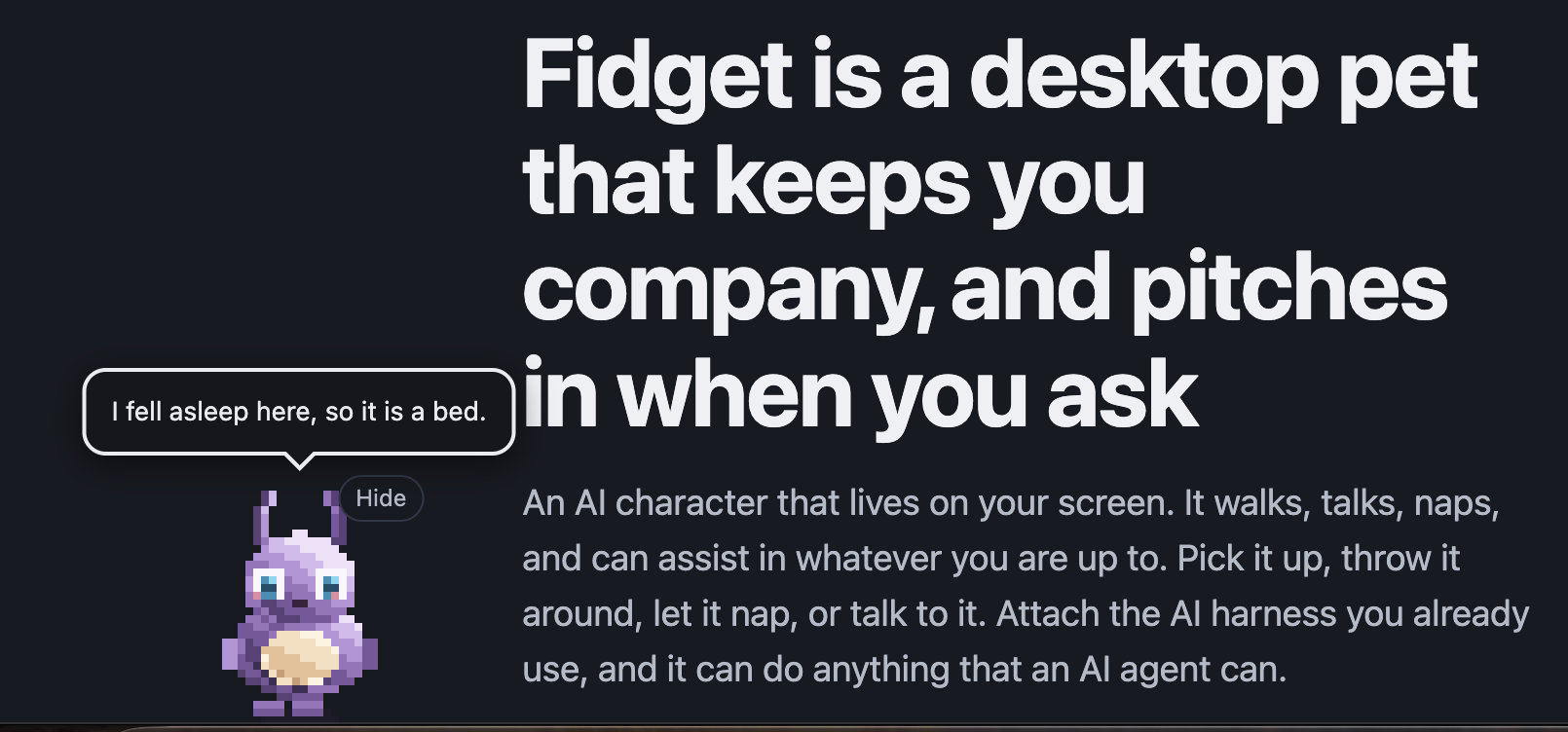
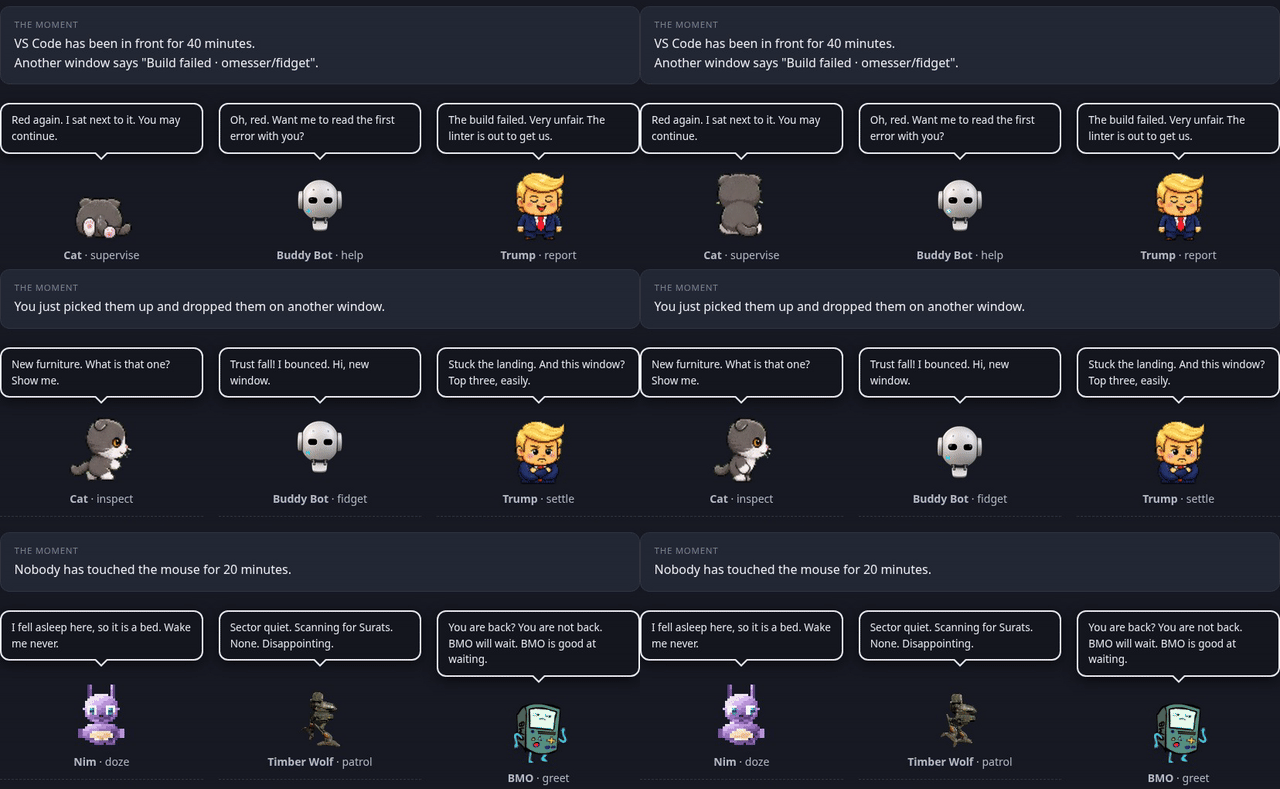
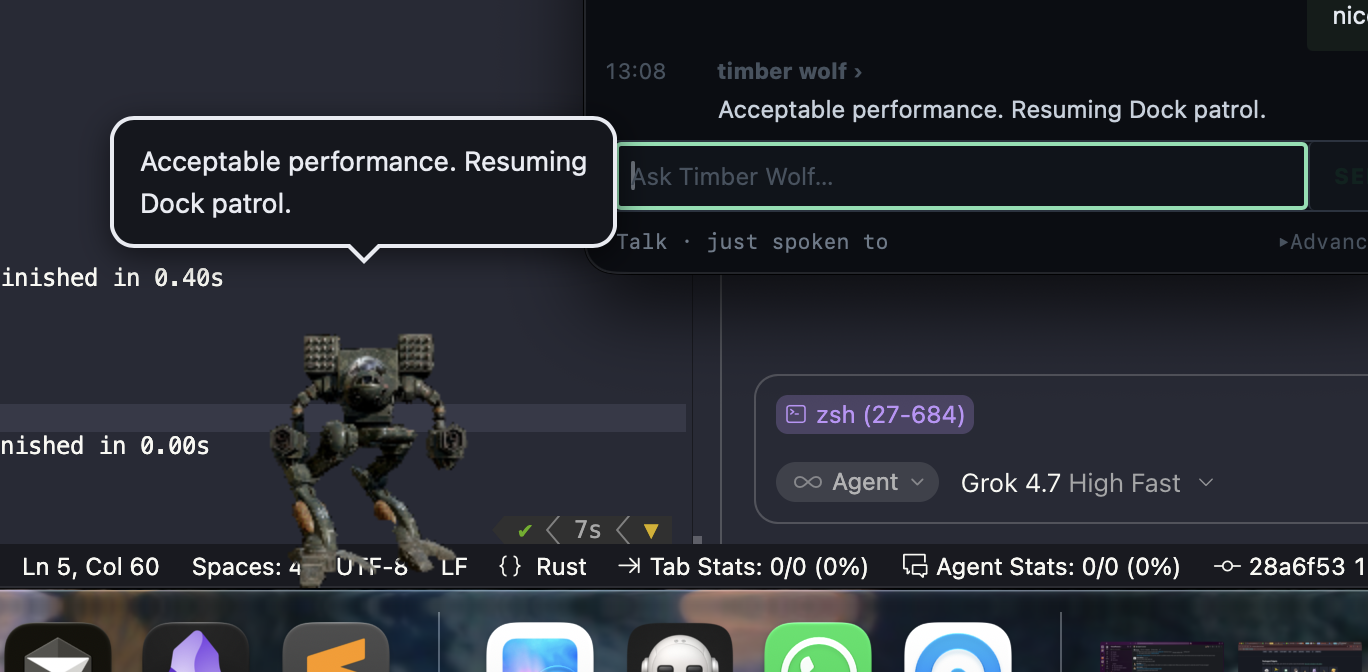
Fidget is a small pet that lives on top of your other windows. It walks along the edges, perches on windows, wanders off, and reacts when you poke it. Each character has its own personality, and that decides what it gets up to when you leave it alone.
Play with it
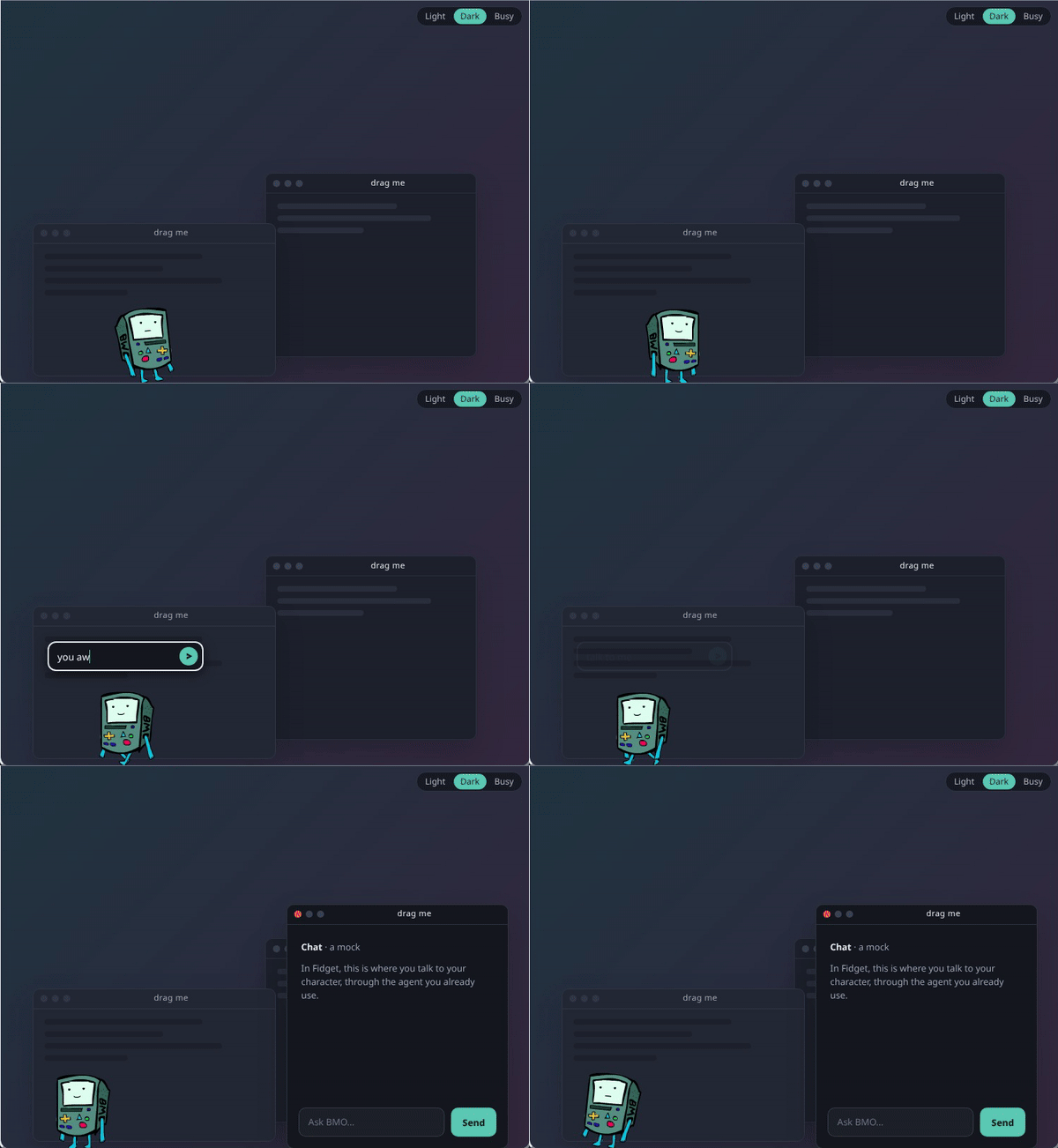
Try it out on the site's live playground
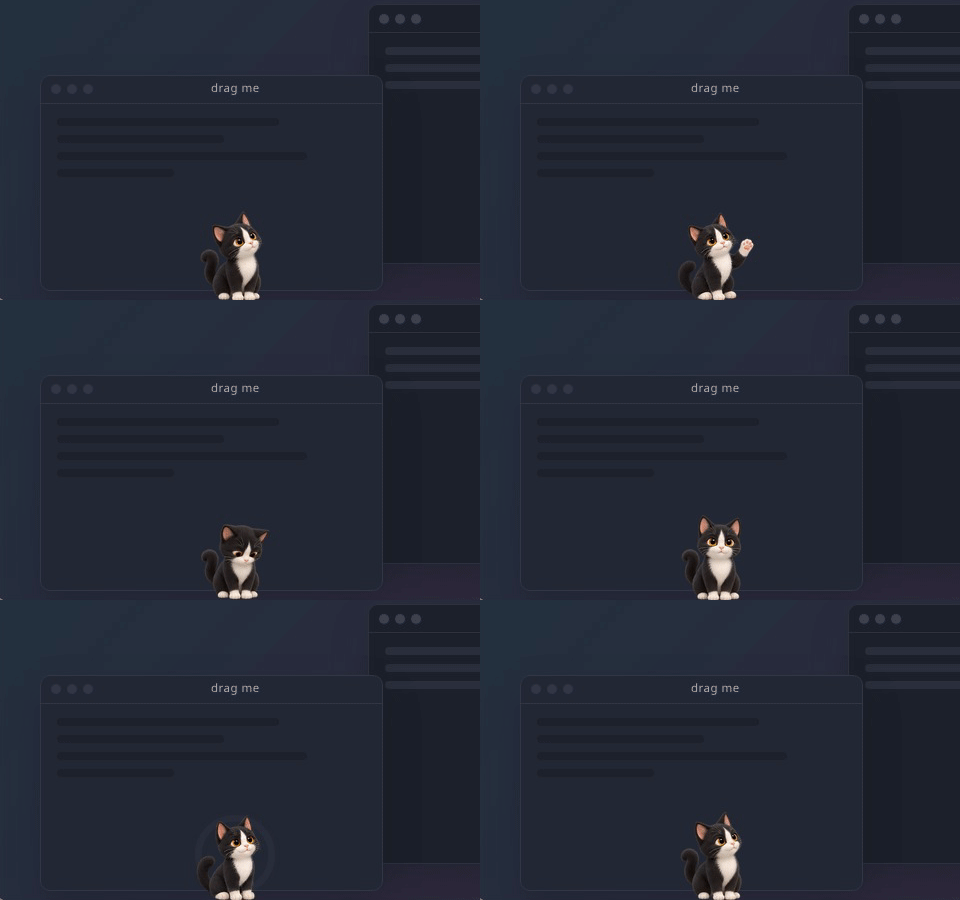
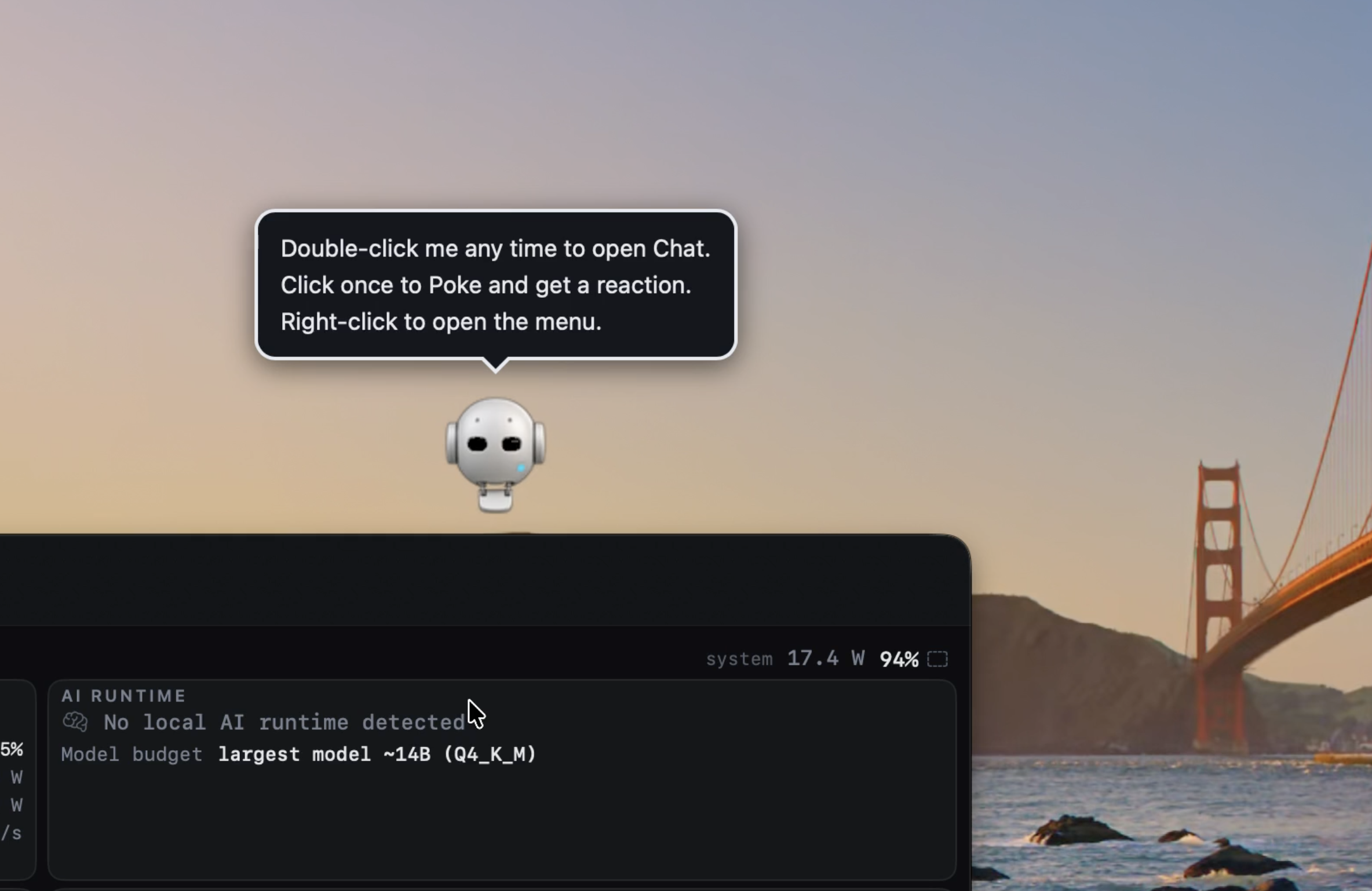
- Poke: click once and it reacts.
- Pick up and throw: drag it, let go while moving, and it flies and lands.
- Perch: let it settle on a window's top edge. Drag the window slowly and it rides along.
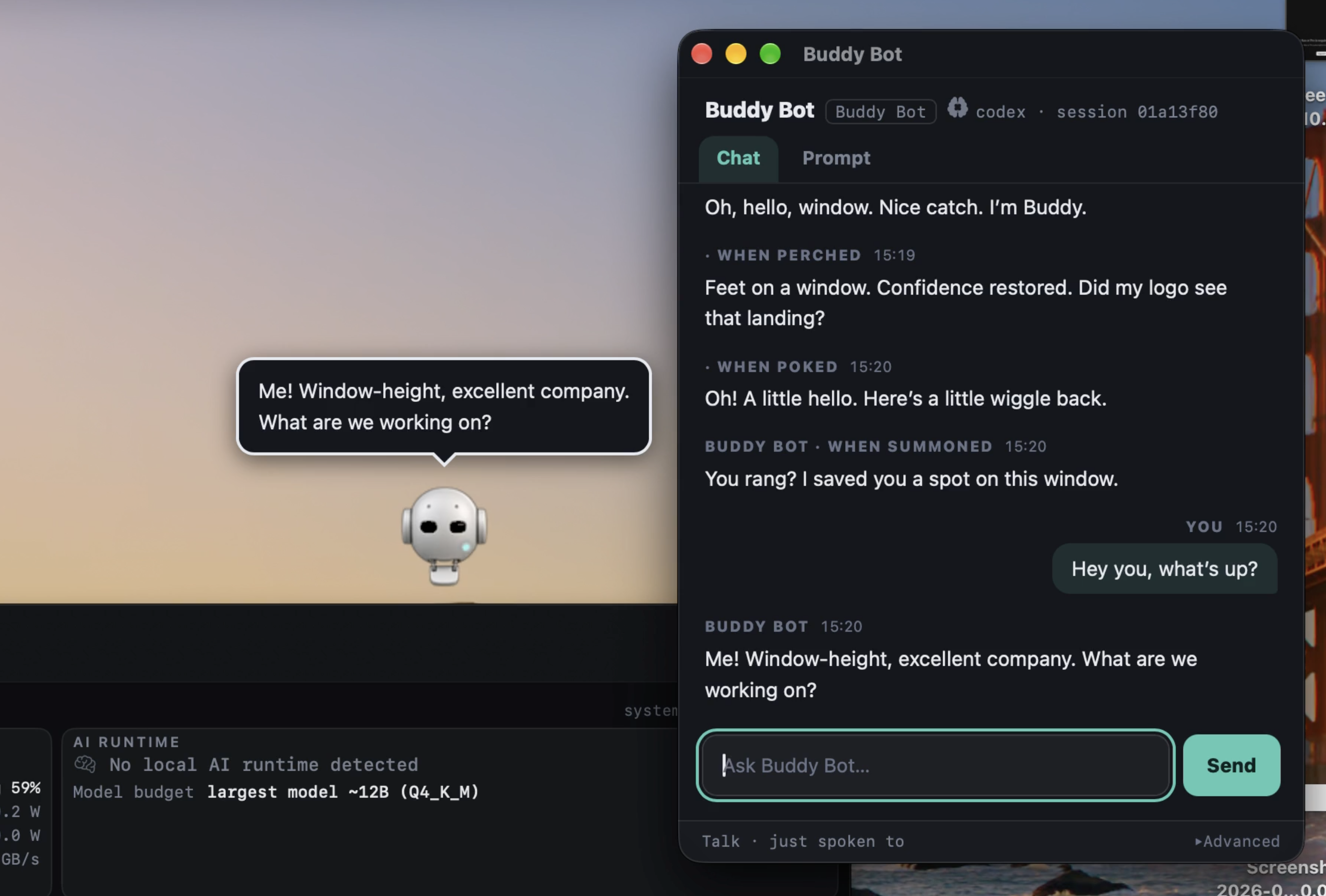
- Summon: double-click to chat with it.
- Hide: Control-Option-Command-B on Mac hides it instantly (change it in Settings).
It stays out of your way. It never takes focus, clicks pass through everywhere except the pet, and it fades out for fullscreen apps.
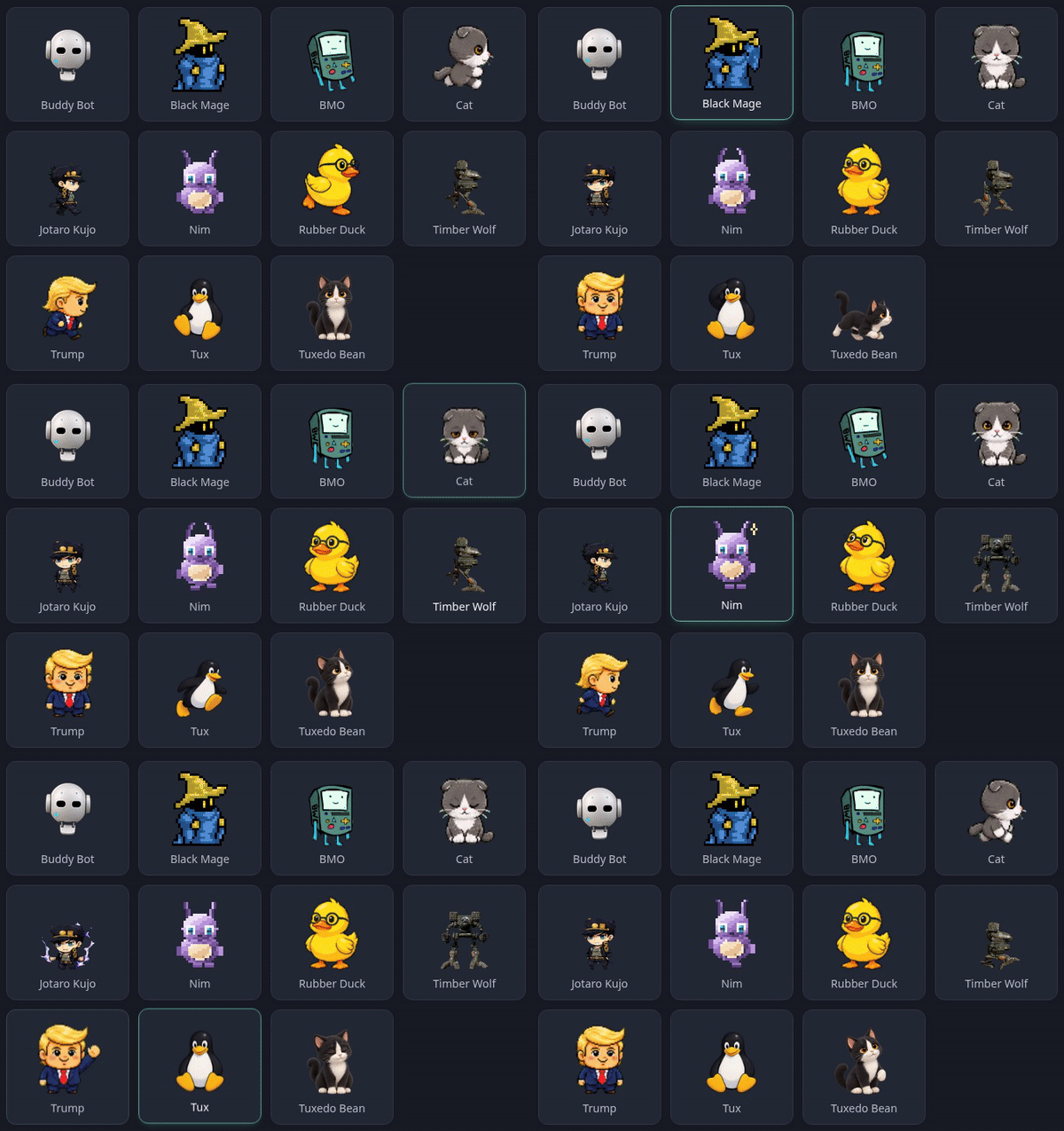
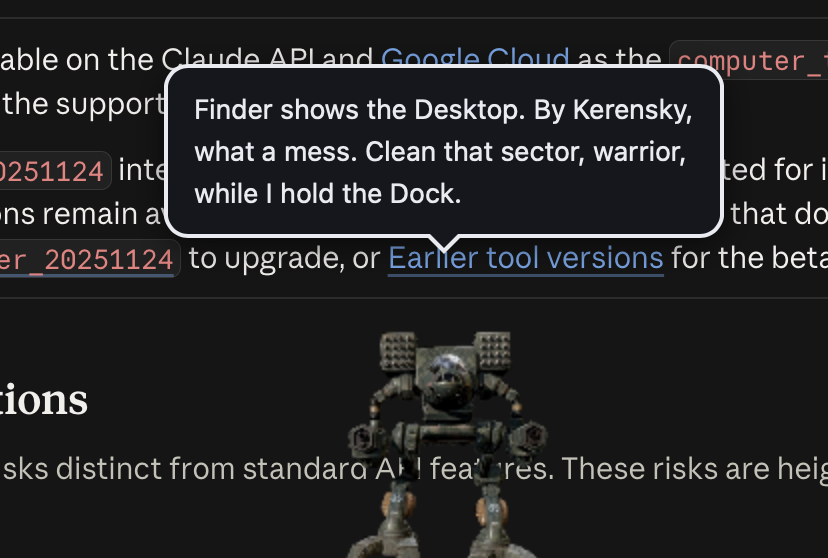
Characters Buddy Bot, the default bot assistant, and Nim, sleepy and soft-spoken, are original. Timber Wolf, a patrol mech from the BattleTech universe, is adapted with the creator's permission. More fan-art characters ship in the app, with credits on the character gallery.
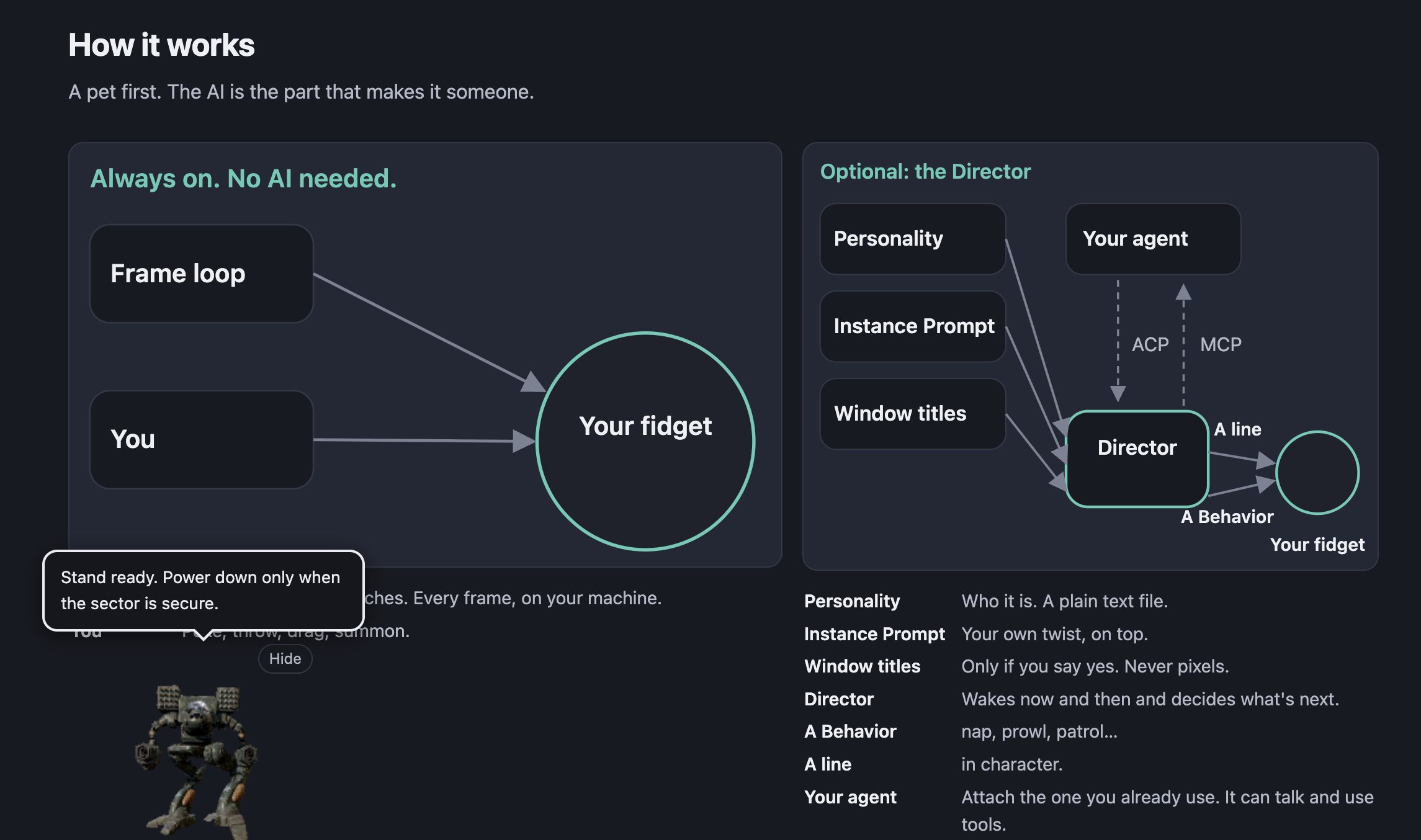
AI (optional) for full assistant mode Fidget works offline with no account and no key. If you want it to talk, attach an agent you already use, like Claude Code, Codex or Cursor, or add a model API key. A local model through Ollama works too. Then it chats in character and can react to what you're doing.
You can see how different character prompts can change the experience of your fidget and give it your own personal twist
Privacy Fidget itself never takes screenshots and never reads pixels on your screen. It only sees window titles and app names if you turn that on in Settings, Privacy. Without that, it knows where windows are, not what they are.
Fidget runs on Windows, macOS, and Linux.
Install notes The builds aren't signed yet, so the first launch shows a warning.
- macOS, Apple Silicon: open Fidget.app from the disk image, dismiss the warning, then System Settings, Privacy & Security, Open Anyway.
- Windows, x86_64: in SmartScreen, choose More info, then Run anyway.
- Linux, x86_64: AppImage or .deb. Full support on X11 or XWayland desktops; pure Wayland falls back to screen edges only.
Fidget is free and open source under the MIT license. Read the code, build it yourself, or report an issue on GitHub.
Check out Fidget's website for more information
Download
Development log